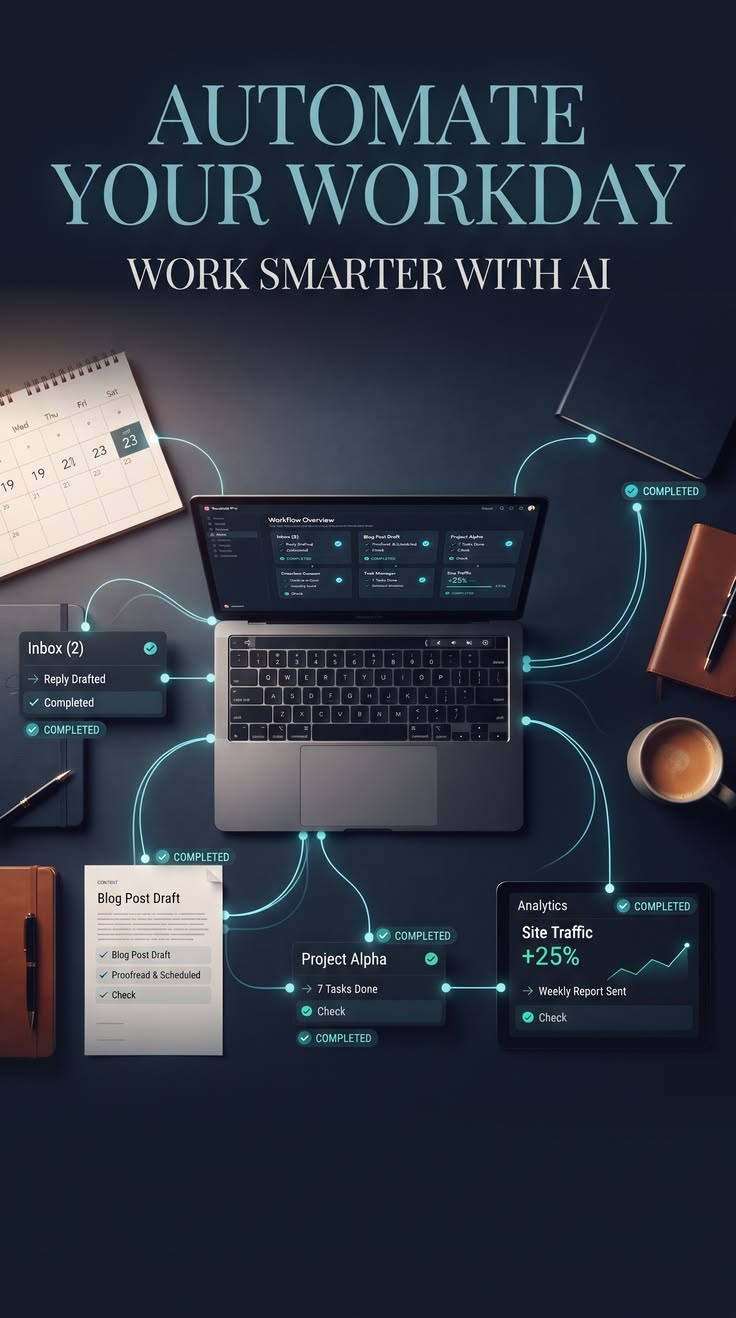
Automating a repetitive task used to mean either learning to code or hiring someone who could. That's no longer strictly true. A wave of no-code automation platforms now let anyone connect an AI tool to everyday apps — email, spreadsheets, calendars, social media — through a simple visual interface.
What a basic workflow looks like
Most no-code automation follows a simple pattern: a trigger (something happens, like a new form submission), an action (something is done in response, like generating a summary), and a destination (where that result goes, like a spreadsheet or a Slack channel). Adding an AI step into that chain — say, summarizing incoming customer emails — is often just a matter of dragging in a block and writing a short instruction.
Common starter workflows
- Automatically summarizing long emails into a short daily digest
- Turning customer feedback forms into categorized, prioritized lists
- Drafting social media captions from a content calendar spreadsheet
- Generating meeting notes from a recorded call transcript
The best first automation is the task you already do the same way, every single time — that repetition is exactly what these tools are built to handle.
Starting small
The most common mistake beginners make is trying to automate something too complex on the first attempt. Starting with one clear, repetitive task — and expanding from there once it's working reliably — tends to produce workflows that actually stick.
Frequently asked questions
What's a good first automation to build?
Something with an obvious, repetitive trigger — like auto-sorting new emails by keyword, or generating a summary whenever a form is submitted. Simple, single-trigger workflows are the easiest to debug when they don't work as expected.
Do I need to pay for a no-code platform to start?
Most major platforms (Zapier, Make, n8n) offer a free tier sufficient for learning and light personal use — paid plans mainly matter once you need higher run volume or more complex logic.
What happens if the AI step in my workflow gives a bad output?
Well-built workflows include a review or approval step before anything AI-generated gets sent externally, especially for anything customer-facing, precisely because AI output quality can vary.