Most people reuse passwords across multiple sites because remembering dozens of unique, complex passwords simply isn't realistic. The problem is that this habit turns a single data breach on one site into a risk for every other account sharing that same password.
What a password manager actually does
A password manager generates and stores a unique, complex password for every account you have, locked behind one master password or biometric login. Instead of remembering fifty passwords, you only need to remember one — the manager handles the rest, including automatically filling them in when you log in.
Why this is a genuine security upgrade
- Every account gets a unique password, so one breach doesn't compromise the rest
- Generated passwords are typically longer and more random than anything a person would create by hand
- Many managers flag reused or weak passwords across your accounts automatically
- Some also alert you if a password has appeared in a known data breach
The single biggest security upgrade most people can make in one afternoon is switching from memorized passwords to a password manager.
The one habit that matters most afterward is protecting that master password carefully, since it becomes the key to everything else.
Frequently asked questions
What happens if I forget my master password?
Most password managers cannot recover it for you by design — that's what makes them secure. Some offer an emergency recovery kit or trusted-contact feature set up in advance, which is worth configuring immediately after signup.
Are browser-built-in password managers good enough?
They're better than reusing passwords, but dedicated password managers generally offer stronger encryption, cross-platform support, and features like breach monitoring that built-in browser tools often lack.
Can a password manager itself be hacked?
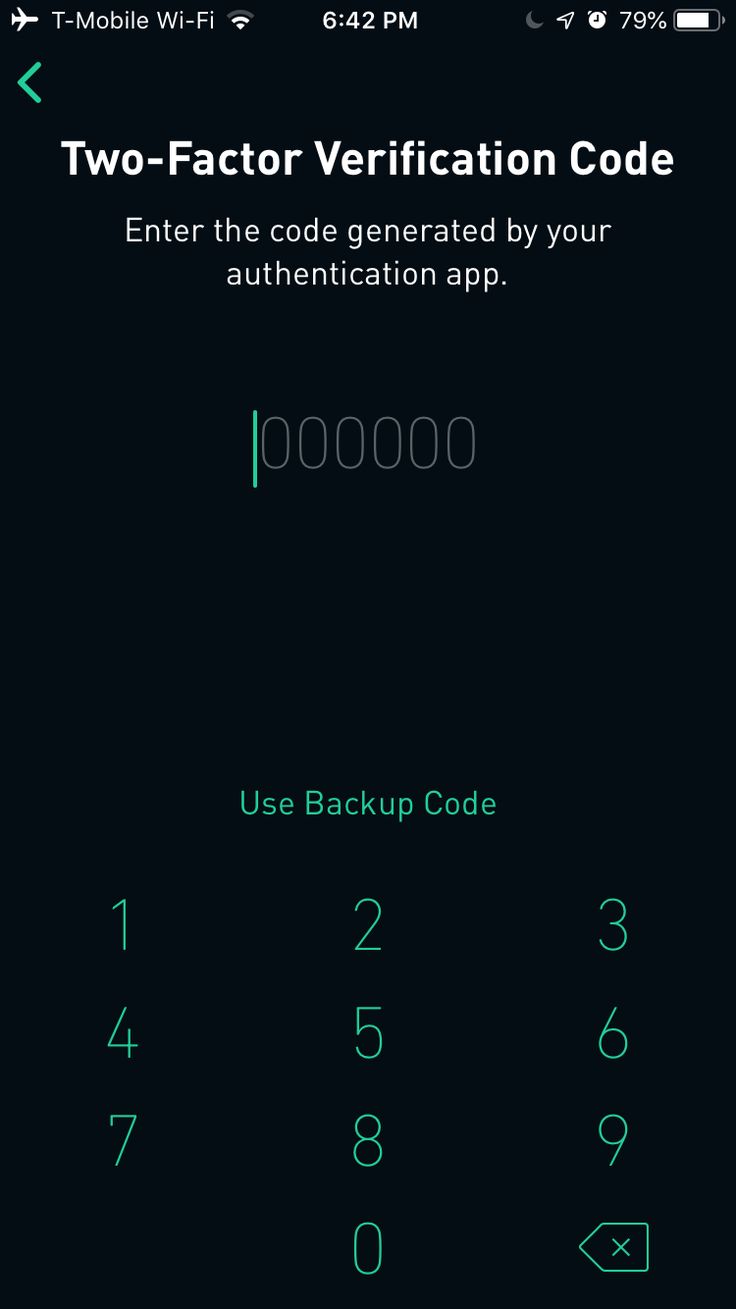
It's possible in theory, which is why enabling two-factor authentication on the password manager account itself is critical — it's the one account that protects everything else.