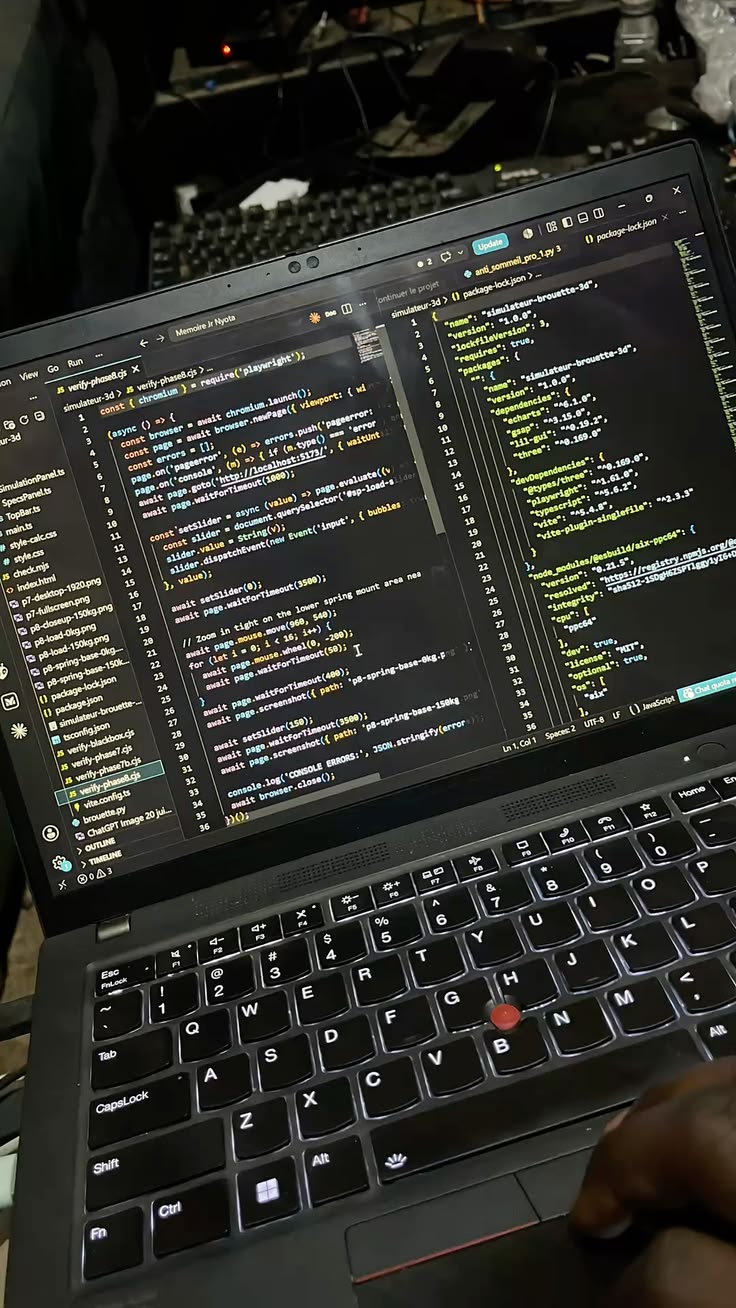
Every piece of software eventually has bugs — moments where it doesn't behave the way it's supposed to. Debugging is the process of finding and fixing those issues, and while it can feel frustrating for beginners, experienced developers approach it with a fairly systematic process rather than random guessing.
A basic debugging process
- Reproduce the bug reliably — a bug you can trigger on demand is far easier to investigate
- Narrow down where the problem starts by checking smaller sections of code individually
- Use error messages and logs carefully — they often point directly at the source, even when they seem cryptic at first
- Change one thing at a time, so you know exactly what fixed or didn't fix the issue
Why print statements and logging still matter
Despite advanced debugging tools available in most development environments, simply printing out variable values at different points in the code remains one of the fastest ways to understand what a program is actually doing versus what a developer assumed it was doing.
The mindset that helps most
Treating a bug as a puzzle to solve methodically, rather than a personal failure, makes the process far less frustrating. Most bugs come down to an assumption that turned out to be wrong somewhere — and finding that wrong assumption is really the entire job of debugging.
Experienced developers aren't better at avoiding bugs — they're better and faster at finding them.
A real-world example
A developer notices a web app crashes only for some users, never in their own testing. Instead of guessing, they check the error logs and find the crashes cluster around users on older mobile browsers. Reproducing the bug on an emulated older browser reveals the app was using a JavaScript feature not supported there. The fix took ten minutes once the bug was properly isolated — the two hours before that were spent narrowing down where to even look, which is usually where most debugging time actually goes.